Which scaler should you use?
Modern TVs don't handle old analog signals well: you get blur, lag, or no picture at all. A scaler converts that signal into clean HDMI.
What is a scaler?
Retro consoles were designed for CRT TVs. They send a low-resolution analog signal (240p) that modern TVs don't understand well. Your TV tries to convert it by itself, and it does a poor job: soft picture, the wrong format, and above all lag.
A scaler takes over that conversion. It reads the console's signal, multiplies the lines, and sends clean, sharp HDMI to your TV.
Why it's a great solution
- Nothing to open: plug it in between the console and the TV. Your console stays stock.
- No noticeable lag: almost no delay, unlike your TV's built-in processing.
- A much sharper picture: pixels the way the artists intended.
- One device for several consoles: NES, SNES, Genesis, N64 and more.
- Pairs well with a mod: with an RGB mod, you get the best possible picture.
RetroTINK-2X Pro — the simple one
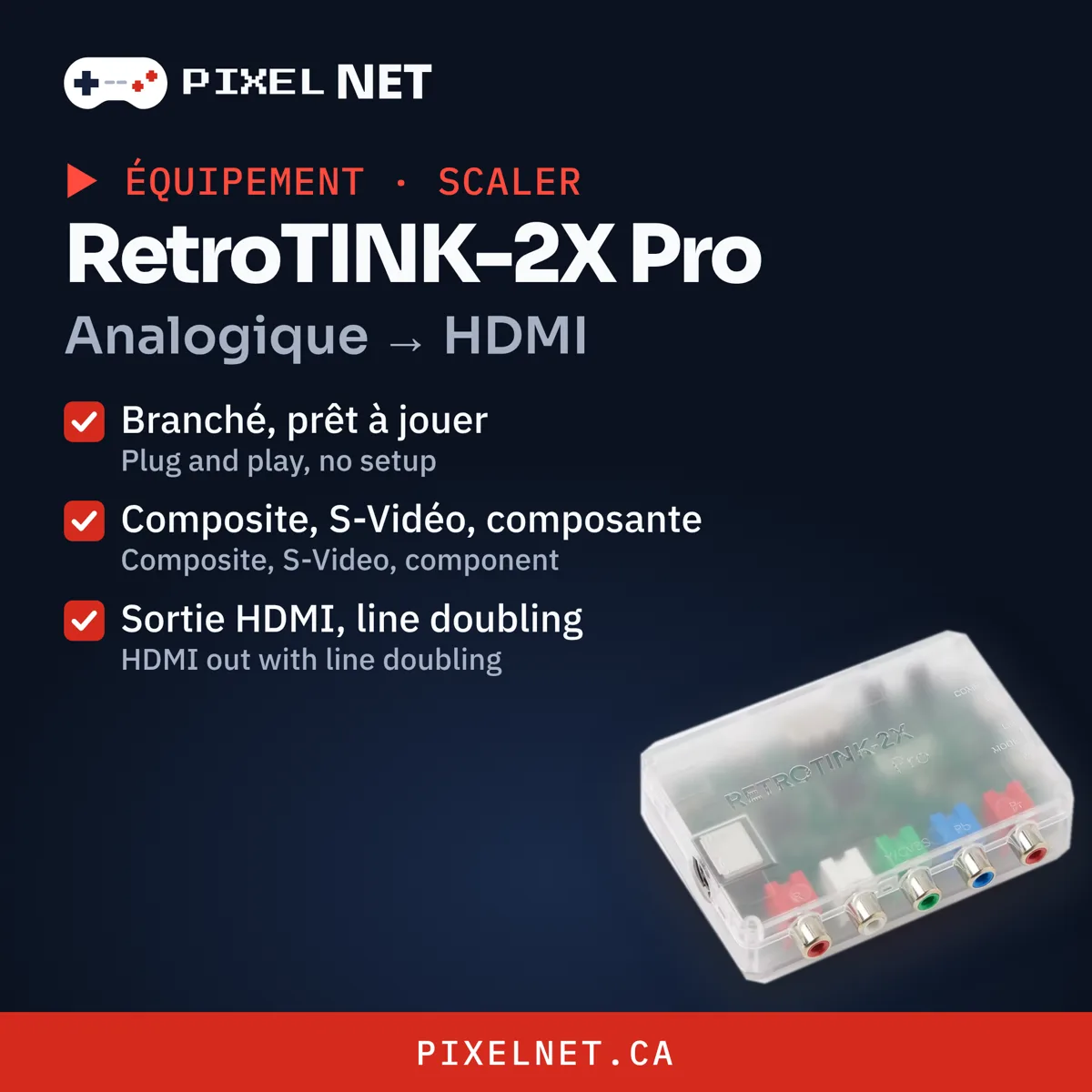
Plug and play. Composite, S-Video and component in, HDMI out with line doubling. Perfect for a stock console.
OSSC — for RGB purists
Ultra-low latency and razor-sharp picture from RGB, component or VGA. The ideal partner for an RGB-modded console.
Which one?
| Your console | Pick |
|---|---|
| Stock, composite or S-Video | RetroTINK-2X Pro |
| RGB-modded | OSSC |
Not sure? support@pixelnet.ca — we can also install the RGB mod for you.